Игра
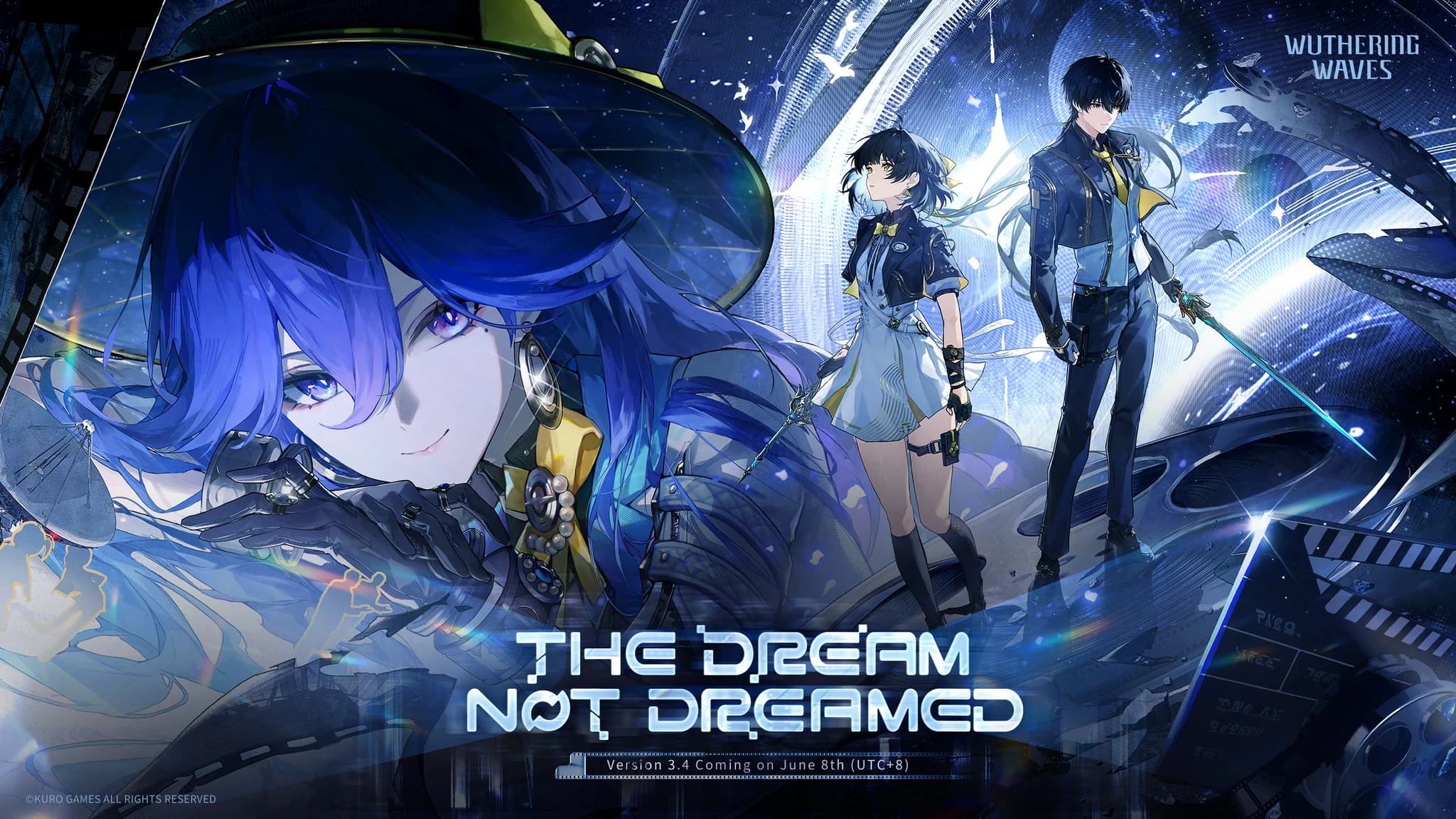
Версия 3.4 — Невыдуманный сон
Невыдуманный сон
Compensation
- Maintenance Compensations:
- Bug Fixes Compensation:
- Compensation Eligibility: Create a character and unlock the Mail function before 2026-04-30 04:00 (UTC+8).
- The compensation mail will be sent within 6 hours after the maintenance is completed and will remain claimable until the next version update.
- In the event that the maintenance is extended, the dev team will issue a follow-up notice and adjust the compensation accordingly.
Released Content
Resonators
Weapons
Character Event Convenes
- Dreaming Upon the Moon/2026-06-08 (Lucy)
- Rekindled Embers of Rage/2026-06-08 (Rebecca)
- Tomorrow in the Frame/2026-06-13 (Lucilla)
- Dance in the Storm's Wake/2026-06-18 (Cartethyia)
Weapon Event Convenes
- Absolute Pulsation: Spectral Trigger/2026-06-08
- Absolute Pulsation: Skull Thrasher/2026-06-08
- Absolute Pulsation: Freeze Frame/2026-06-13
- Absolute Pulsation: Defier's Thorn/2026-06-18
Quests
Main Quests
- Chapter III
- Segue - We Choose the Sky
- Side Story - At Dream's Edge (Episodic Quest)
Side Quests
Tutorial Quests
Exploration Quests
Locations
Cyberpunk: Edgerunners
- Somnoire: Night City
Events
- Depths of Illusive Realm: Dreamchasers
- Startorch Racing, Rerun!
- Night City Roaming
- Matrix Reform
- Dream of Azure Sky
- Instant Flashlight
- Gifts of Dreamchasers
- Sweetdream Tuning
Echoes
Phantom Echoes
- Phantom: Glommoth
Sonata
- Shadow of Shattered Dreams
Enemies
Bosses
Tactical Hologram
- Tactical Hologram: Nameless Explorer
Expedition Motorbike
- Mornye Cube
Accessories
- Unbound Brilliance
- Corner of the Star Sea
Adjustments and Optimizations
Features
Expedition Motorbike
- Added support for motorbike appearance presets
- Added the "Custom Preset" section to the Import Preset page.
- You can have up to 15 Preset Plans, each consisting of a Chassis Mod, a Livery, and an Accessory.
- Select a Preset Plan and press the "Import Preset" button to remove the current appearance and import the preset.
Camera Mode
- Added the "Image Quality" feature
- This feature is available on devices with 4 RAM or above. Higher settings will allow you to capture higher-quality images.
- The Image Quality options are as follows:
- Default (1x): When you take and save an image, the image will be at the current screen resolution.
- High (2x): When you take and save an image, the image will be at twice the current screen resolution. (※Maximum resolution is 8K.)
- Please note: if your device does not meet the requirements, the "Image Quality" feature will not be displayed.
- Added "Adjust camera distance" and "Rotate"
- With the "Adjust camera distance" feature, you can adjust the distance between the camera and the character within a certain range.
- With the "Rotate" feature, you can rotate the angle of the camera between -45° and 45°. Disable the "Rotate" option and press the reset button to reset the camera angle to the default: 0°.
Backpack
- Optimized the functionality of Backpack
- Added the "Use" button to certain items. Clicking on the button will take you to the location where this item can be used, such as Item Exchange, Wheel, Synthesis Recipe.
- Adjusted the user experience for various types of Chests. Upon using a chest, you no longer need to unselect the selected option when switching between different options.
- Adjusted the mechanics of how red dots are added to certain items in the Backpack. A red dot is added only when these items are obtained for the first time.
- Adjusted the display order of certain items in specific categories of the Backpack.
Leveling
Resonator Ascension Planner
- Optimized the functionality of the Resonator Ascension Planner
- Added the "Focus Resonator" feature. You can set clear ascension goals for a specific Resonator, either in the Resonator Ascension Planner or in the Guidebook's material acquisition view. Once you set a goal, you can immediately see all the required materials in the Guidebook and jump straight to the locations where you can obtain
Читать оригинальную публикацию ↗